

Automate any workflow, on any computer
SeeMonkey handles the repetitive work in the software your team already uses, on computers old and new.




Built around the software you already use
Every kind of business has its own systems, and most of them were never built to be automated. SeeMonkey automates them anyway.

Pharmacies
KrollA refill request comes in by phone. It’s entered in Kroll, and the patient gets a text with the pickup time.
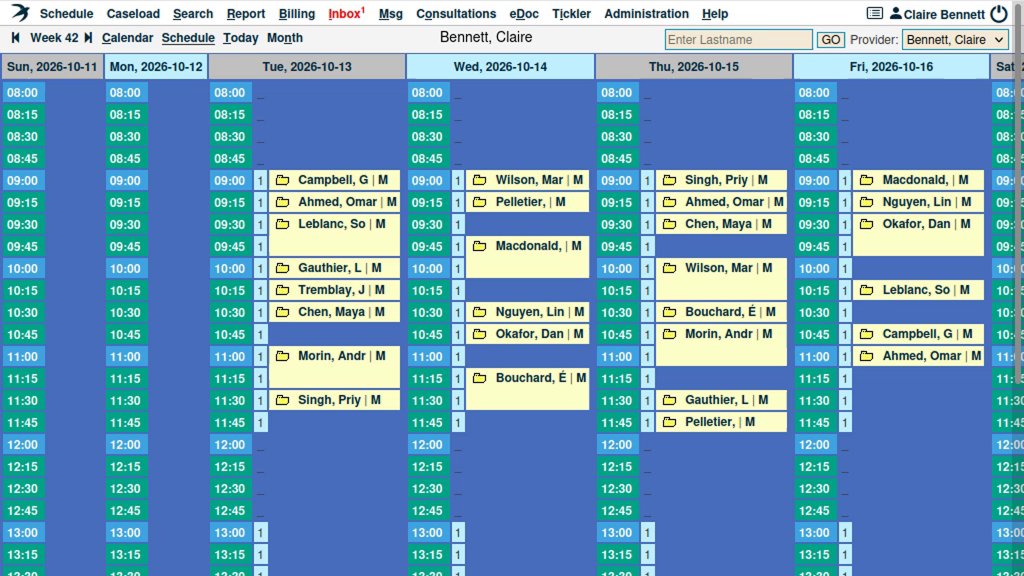
Medical clinics
PS Suite, Accuro, OSCARFaxes and hospital reports are matched to the right patient, filed to the chart and sent to the doctor.
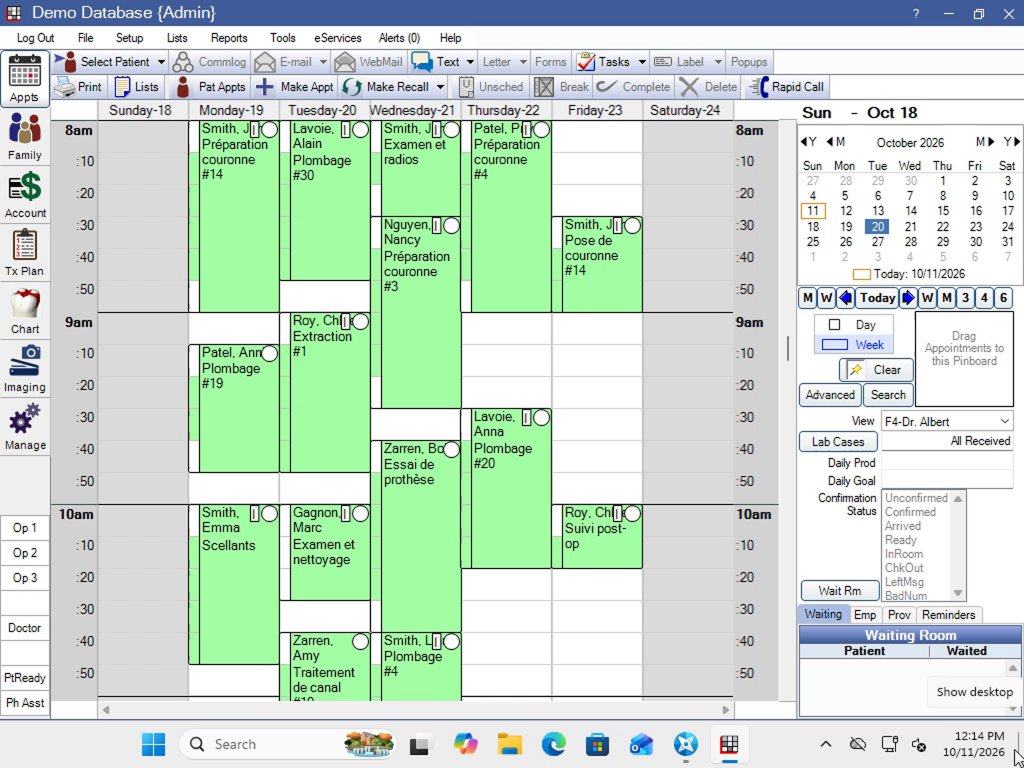
Dental offices
ABELDent, Dentrix, Tracker, MaxidentBooking, rescheduling and recall calls go straight into the schedule, with a text confirmation.
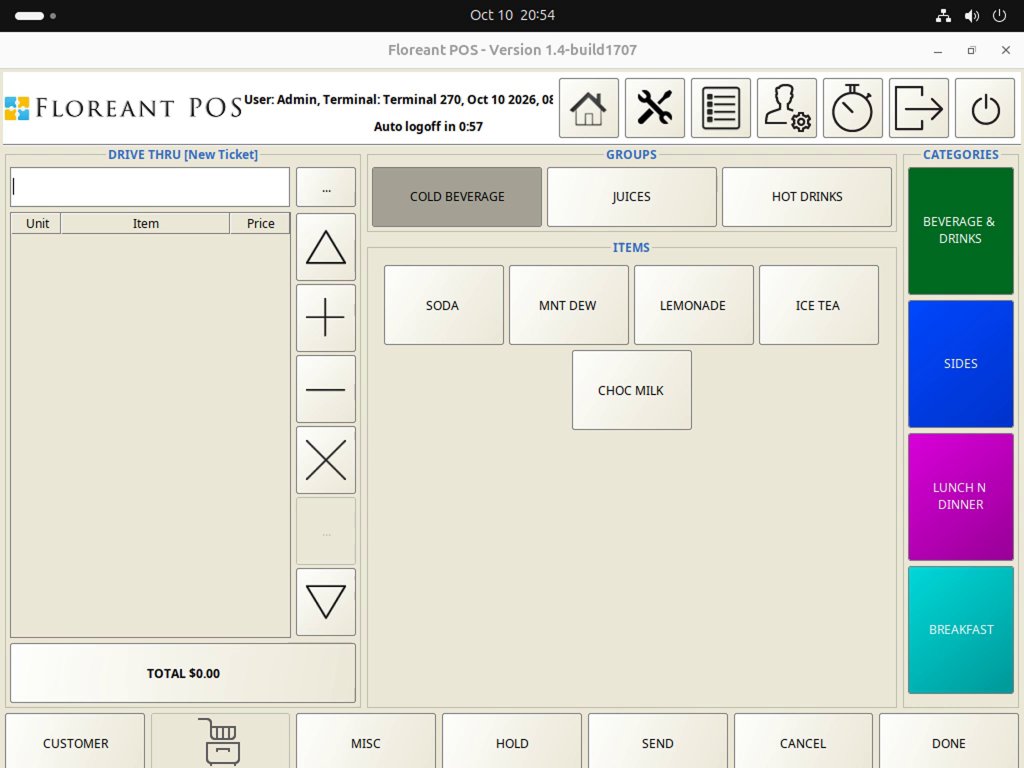
Restaurants & drive-throughs
Toast, Square, NCR Aloha, Oracle MICROS Simphony, PAR BrinkOrders taken by voice at the speaker or on the phone, and delivery-app orders, go into the POS and on to the kitchen.
Insurance brokers
Broker management systems, carrier portalsA policy change is keyed into the broker system and the carrier portal. A broker approves before it’s submitted.
Property management
Buildium and other PM softwareAfter-hours maintenance calls become work orders, and the on-call person gets paged.
Auto repair shops
Mitchell 1 and other shop softwareBooking calls are entered in the shop software and confirmed by text.
Order desks
IBM i (AS/400), JD EdwardsEmailed and phoned-in orders are keyed into the ERP. A person approves before it’s submitted.
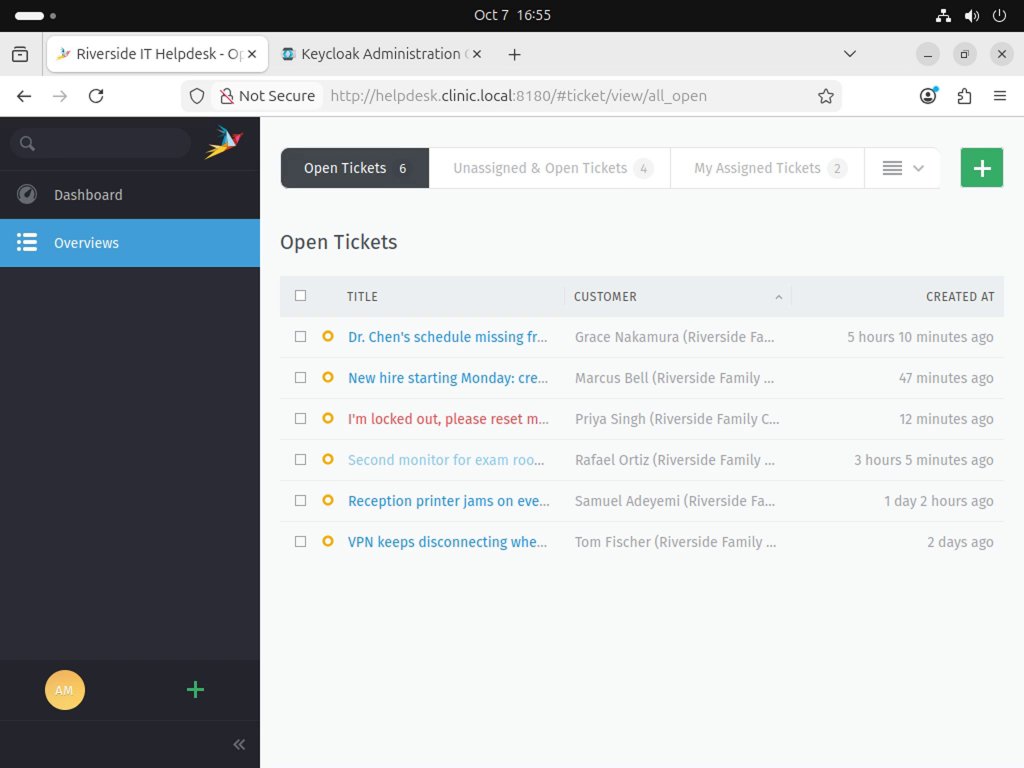
IT helpdesks
Microsoft 365, Google Workspace, Active Directory, Jira, ZendeskPassword resets, unlocks and new-hire setup are done from the ticket, and the ticket is updated.


Any computer, any age
The Windows XP PC in the back office, the green screen on the order desk, the web portal that keeps changing: if your team works in it, SeeMonkey can automate it.
- Windows, from XP to 11
- Mac and Linux
- IBM i (AS/400) green screens
- Web portals, in any browser
- Remote Desktop and Citrix
- Software never built to connect to anything


Communications: connected to how customers reach you
SeeMonkey connects to the communication systems your business already has. Whatever comes in becomes work done in your own software, and the answer goes back the same way. Your clients’ information stays in your office.


- A request arrives on any channel
- Done in your software
- Answered on the same channel

A booking call becomes an appointment in your software and a text confirmation. An emailed purchase order becomes an order in your ERP, ready for a person to approve. A drive-through order goes straight into your POS and on to the kitchen.
On calls and at the drive-through, SeeMonkey speaks English and French.
Questions
Which software and computers does it work with?
Whatever your team uses today: Windows from XP to 11, Mac and Linux, web portals, Remote Desktop and Citrix, and IBM i green screens.
Do we need a programmer?
No. You show SeeMonkey the job once, on your own computer, and it does it from then on.
What if it gets something wrong?
Like any AI, it can make mistakes. That’s why a person approves anything that matters before it’s submitted, and when something doesn’t match, SeeMonkey stops and asks instead of guessing.
Does it speak French?
Yes. The website, phone calls and the drive-through are all in English and French.
How do we get started?
Talk to our team. Tell us which job you’d hand over first, and we’ll take it from there.
What would you hand over first?
Tell us which job takes up your team’s day. We’ll get back to you to talk it through.